Your own server and database
Each firm runs in its own environment with its own database. No other customer's data sits next to yours.
Tell us how your firm works. We build it into your CRM, host it on your own server, and keep building as you grow. Custom work is included.
Works with the tools you already use
Off-the-shelf CRMs make you work their way. During onboarding you bring your content, your forms and your process, and our team fits SterlingForce to your organisation. When you need something new later, we build that too.
Walk us through your pipeline, your seminars, your follow-ups and the tools your team relies on.
Custom fields, workflows, reports and connectors, built by our team. It's included in your fee.
Your own environment, not a shared cloud. We host it, look after it and support your team around the clock.
For example, a firm could ask us for this, and we'd build it for them:
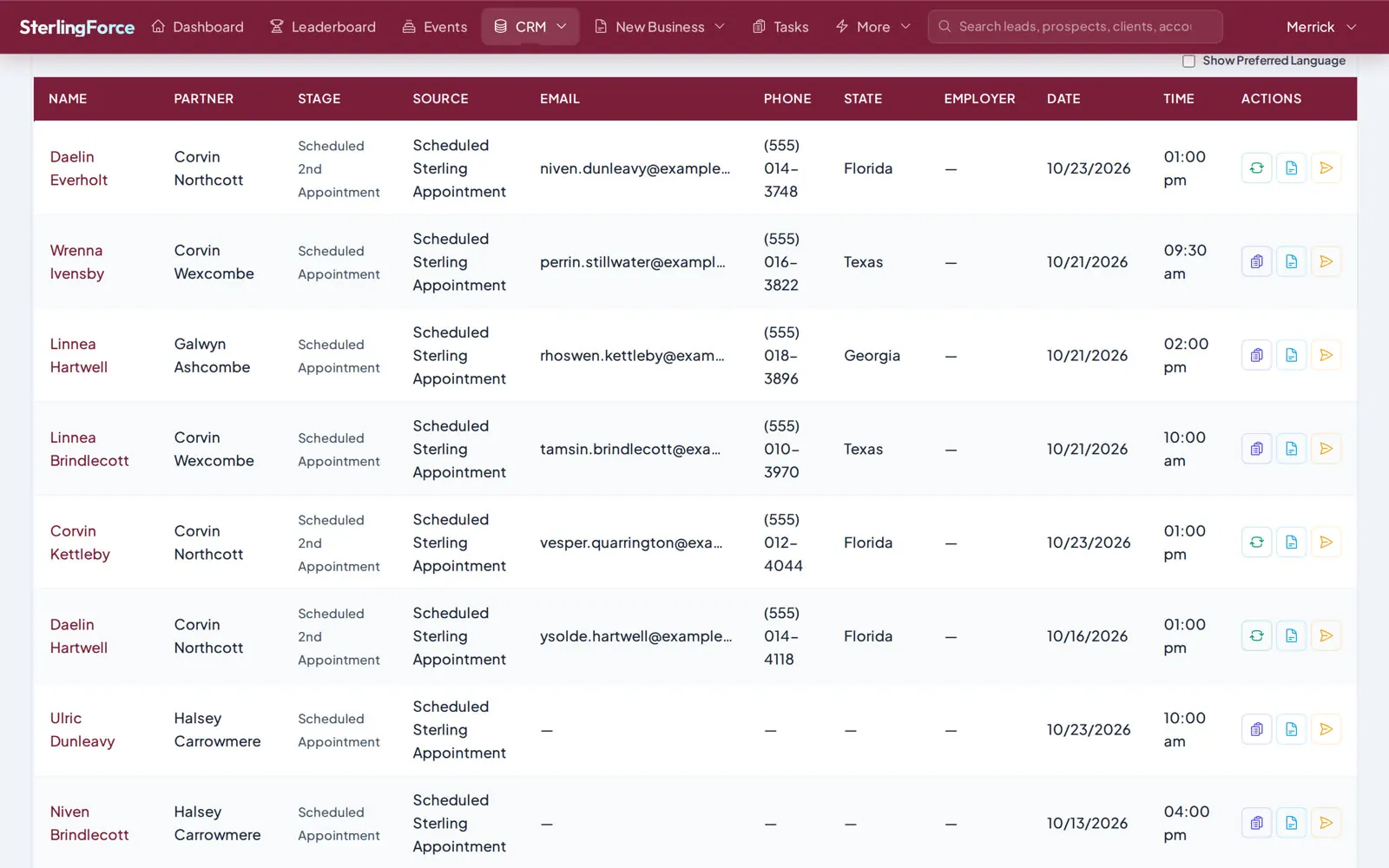
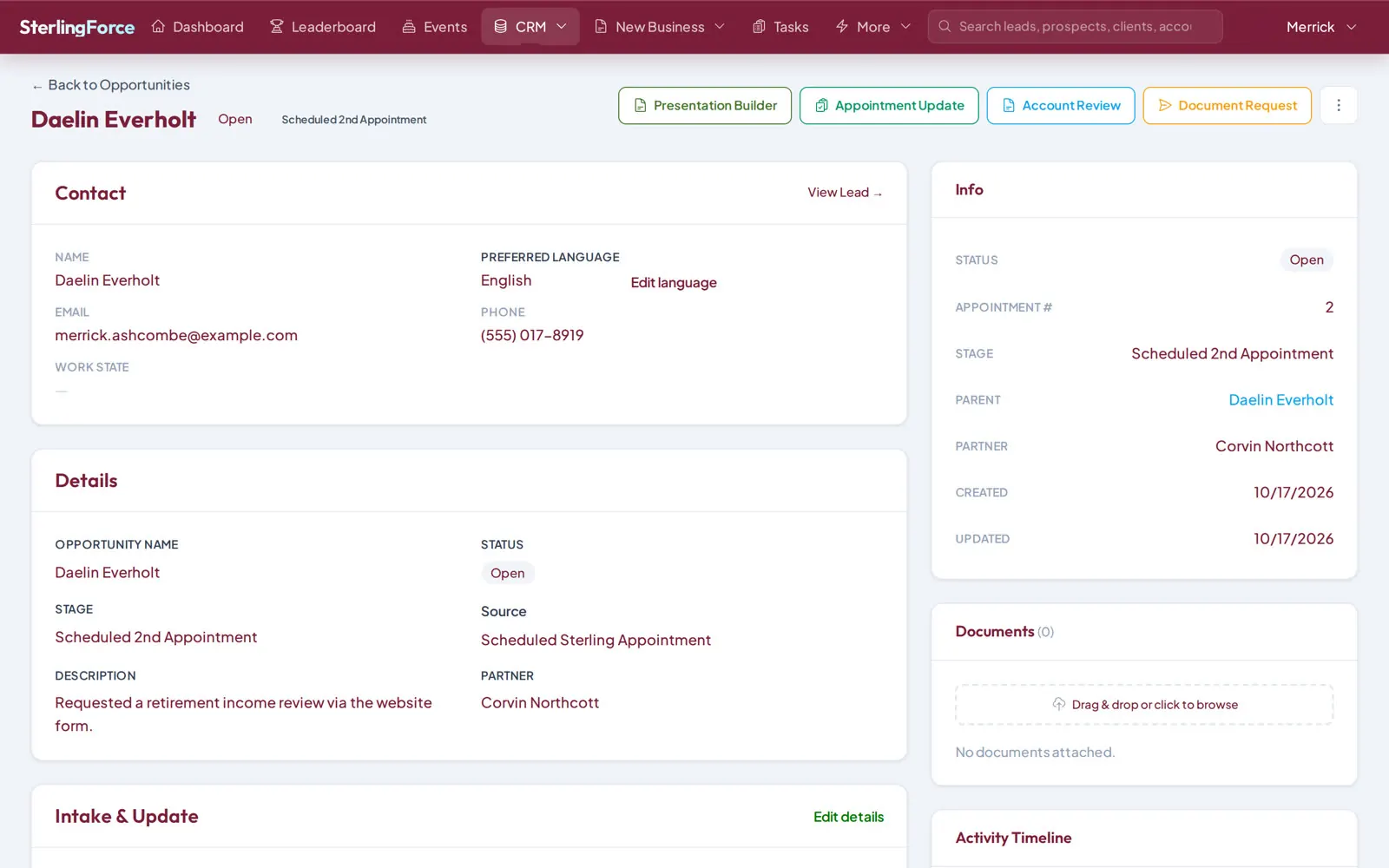
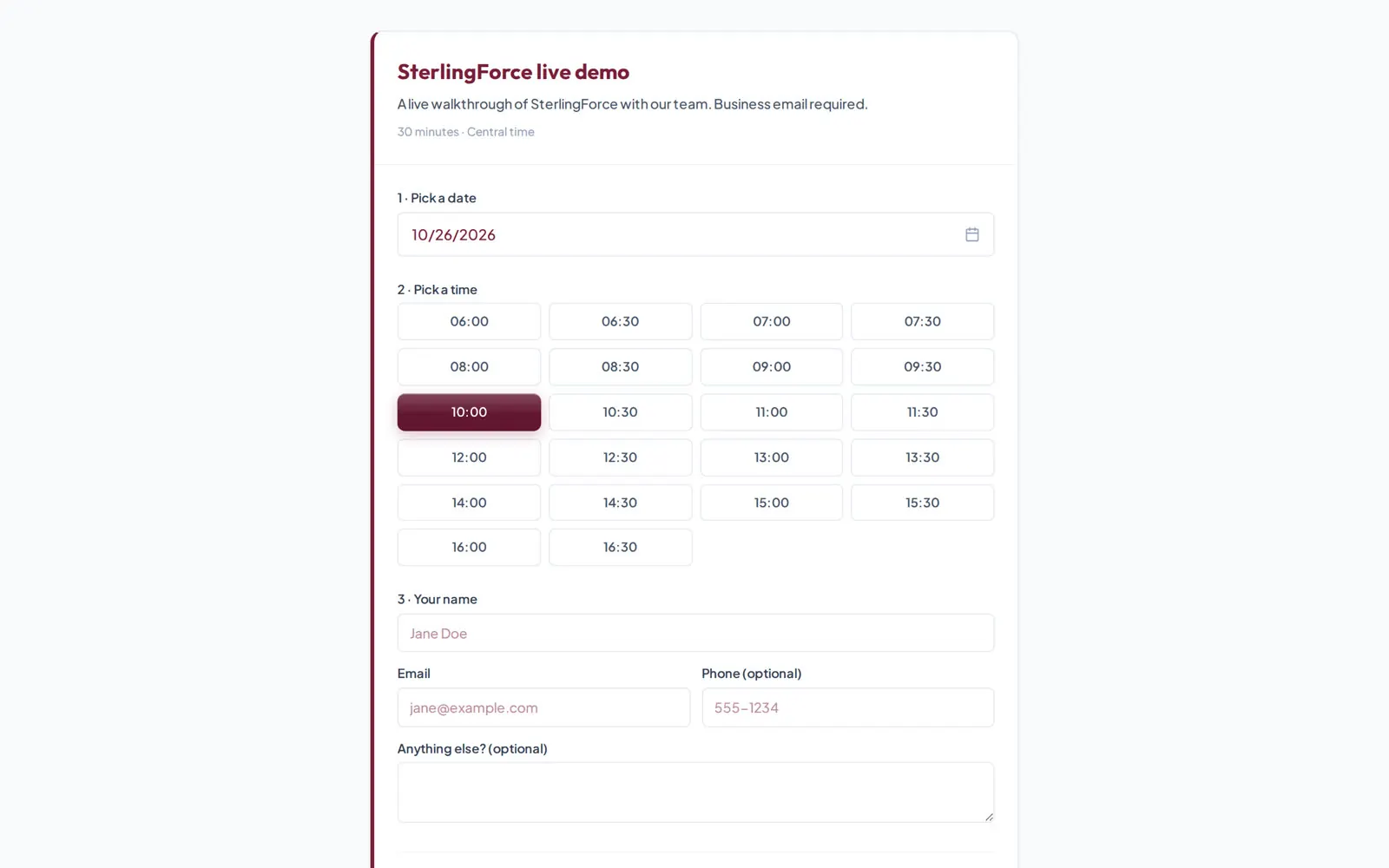
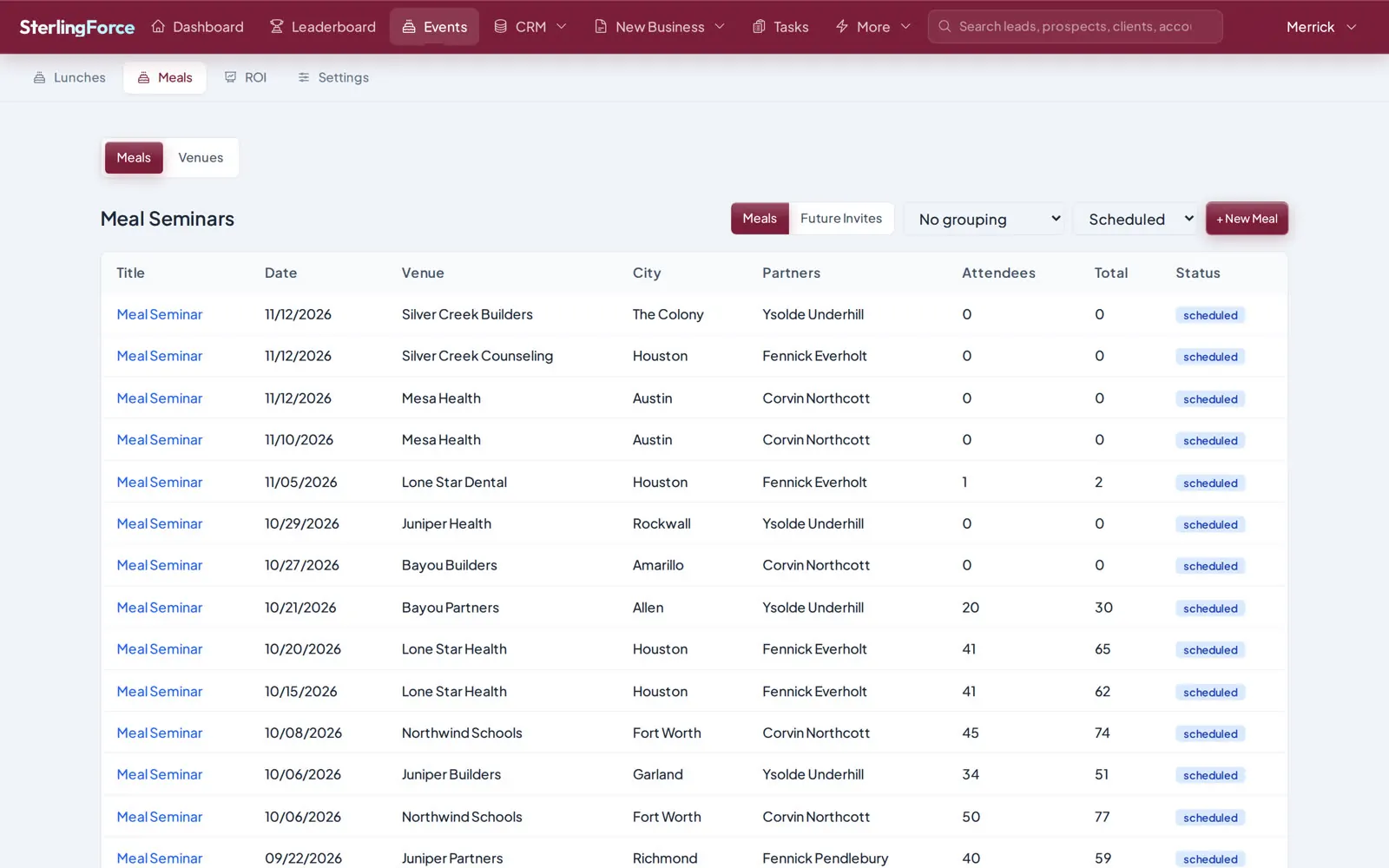
These are real SterlingForce screens from our demo system, with names changed. Try it yourself in the playground.
Add 5 users or 500. Custom work, hosting, storage and 24/7 support are included. One simple flat fee. Talk to us.
On a shared CRM platform, thousands of companies keep their records in one system, so a single breach can reach all of them. SterlingForce gives every firm its own server and its own database, and we can lock it so only your team can reach it.
Each firm runs in its own environment with its own database. No other customer's data sits next to yours.
Your team signs in with its company accounts through Okta, Azure AD or Google Workspace, using SAML.
Set view, create, edit and delete rights for each type of record, and choose whether a role sees its own records, its team's or everyone's.
Every change is logged with who made it, when, and the value before and after.
Connections use TLS 1.2 or 1.3. Passwords are stored as bcrypt hashes, and saved connection keys are encrypted with AES‑256.
A human check stands in front of SterlingForce, so automated traffic is stopped before it reaches a sign-in page.
SterlingForce ships with a dozen purpose-built Salesforce import tools. Your leads, opportunities, policies, notes and documents come with you, and both systems can run side by side while your team moves over. We've already migrated more than 10 million records for customers, fixing data issues along the way.
Export your Salesforce data as CSV, the way Salesforce already lets you.
Bring in leads, opportunities, new business, notes, documents and intake history, matched by Salesforce ID with duplicates handled.
An opportunity sync can push changes back to Salesforce while your team moves over at its own pace.
Switch over when you're ready, with your history intact and every change audited.
See the appointment desk take a new lead, rank every partner by license, availability and skill, and book the best match. Then watch a partner work the opportunity and a managing partner lead the team.
Policies, carriers, premiums and commission splits. Licensed states and NPNs. State pension data, 403(b) and 457(b) accounts, and a client presentation builder.
A built-in booking engine with slot types and no-show handling, calendar sync with Google and Outlook, intake forms, document uploads and automated reminders.
Appointments with outcomes, client follow-ups and relationship automation, with role-based access and an audit trail that shows who changed what.
The intelligent CRM for insurance and advisory firms, built with you on your own server. No per-user fees, custom work included, 24/7 support. Move off Salesforce without losing your history.
A SCORM training course builder for onboarding, licensing prep and compliance training. Build courses your LMS already understands. Now in early access.
Can't find your answer? Our team is available Monday to Friday, 6 AM to 5 PM Central.
Yes. SterlingForce is a complete CRM that replaces Salesforce for insurance and advisory firms: leads, appointments, intake, new business, events, reports and recruiting in one system, for one flat fee instead of per-user licenses.
No. Each customer gets their own environment on their own server, which our team hosts and manages, so you don't share platform caps on storage, API calls or automation with other companies. New features, fields and workflows are built for you by our team, with no engineering on your side.
One simple flat fee for your own environment, hosted on your own server by our team. There are no per-user fees: add 5 users or 500. Custom work, storage and 24/7 support are included. Talk to us for a quote.
Yes. Our team runs the move with you, and we've already migrated more than 10 million records for customers, fixing data issues along the way. Export your Salesforce data as CSV, and we import your leads, opportunities, new business, intake history, notes, documents and partner accounts with about a dozen purpose-built tools, matched by Salesforce ID and then by email, with duplicates handled.
Yes. During the move, an opportunity sync pushes changes from SterlingForce back to Salesforce, so both systems stay aligned while your team moves over at its own pace. Our team sets it up with you and switches it off when you go live.
Tell us what your team relies on. We recreate the fields, pipeline stages, automations and reports you need in SterlingForce as part of the move, so your people keep working the way they do today, without engineers or consultants on your side.
Insurance consulting and advisory firms first, plus healthcare practices, psychology and wellness practices, and any team that books appointments and follows up with clients.
Book a live demo with our team, or explore the playground on your own right now.