Leads, prospects and clients
One lifecycle from first contact to client, with statuses, an activity timeline that keeps old and new values, conversion, and duplicate detection and merge.
From the first marketing lead to the issued policy, SterlingForce keeps every partner, manager and assistant on the same page, with intelligence built in and one simple flat fee.
Taken from our demo system, with names changed.
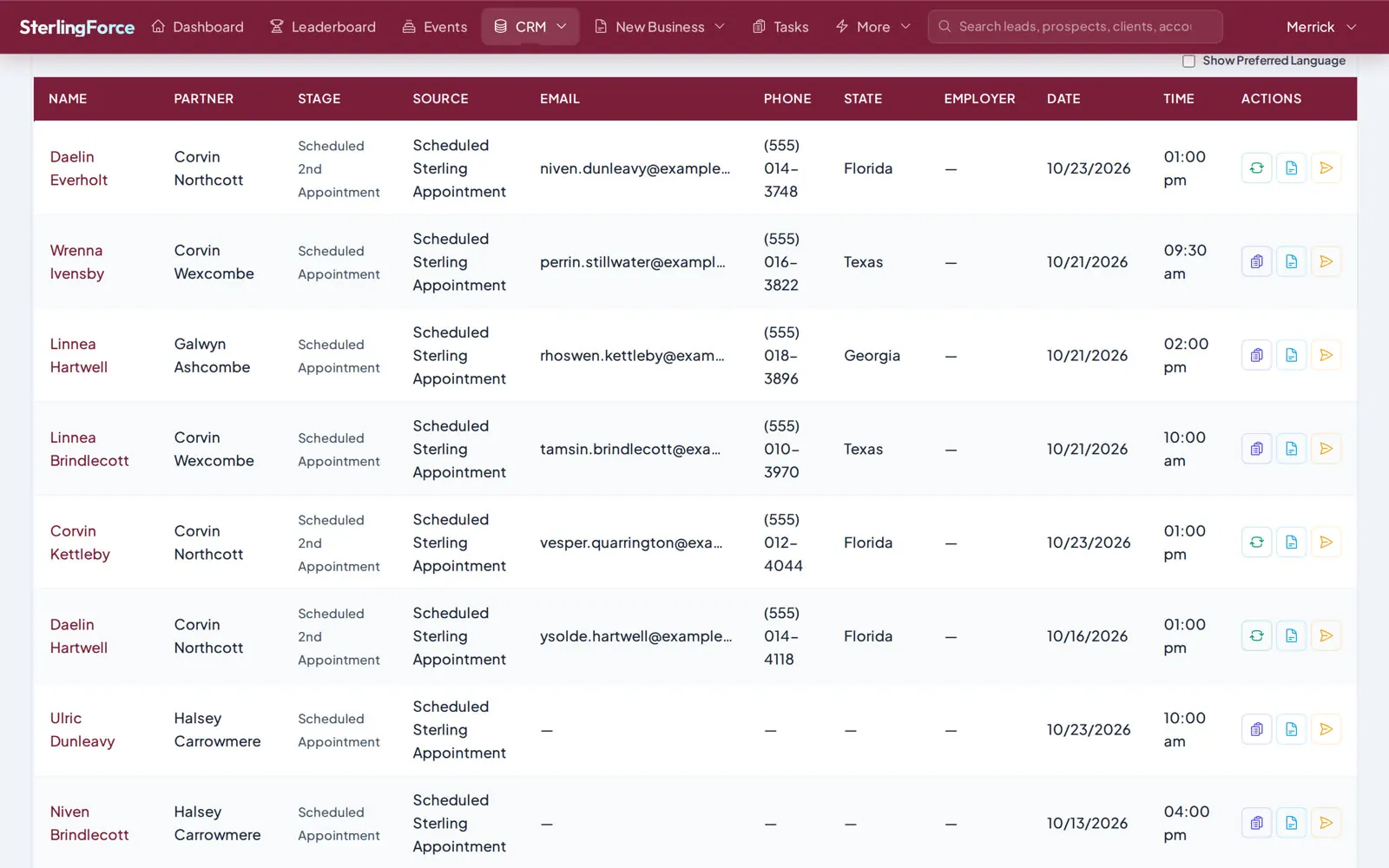
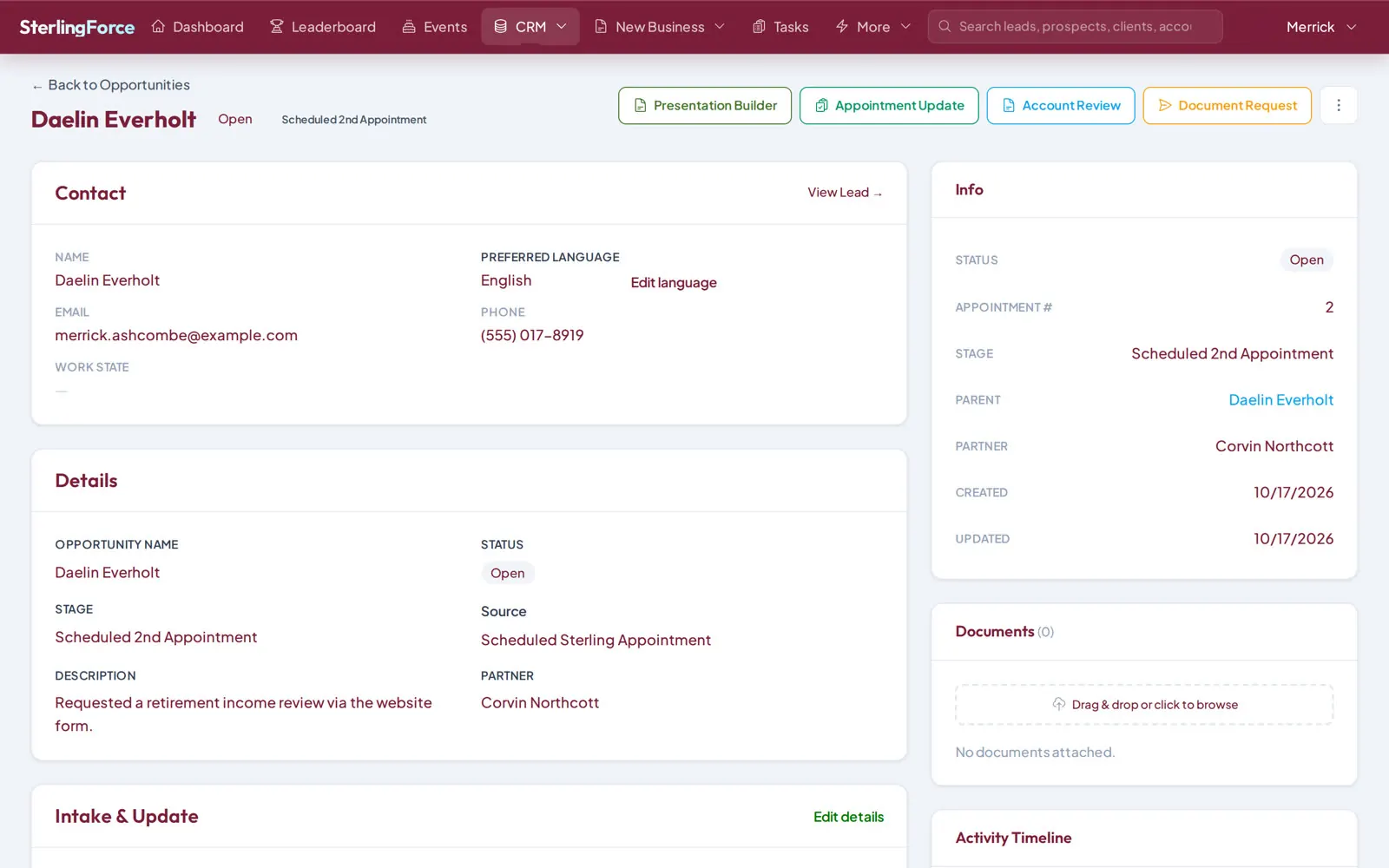
One lifecycle from first contact to client, with statuses, an activity timeline that keeps old and new values, conversion, and duplicate detection and merge.
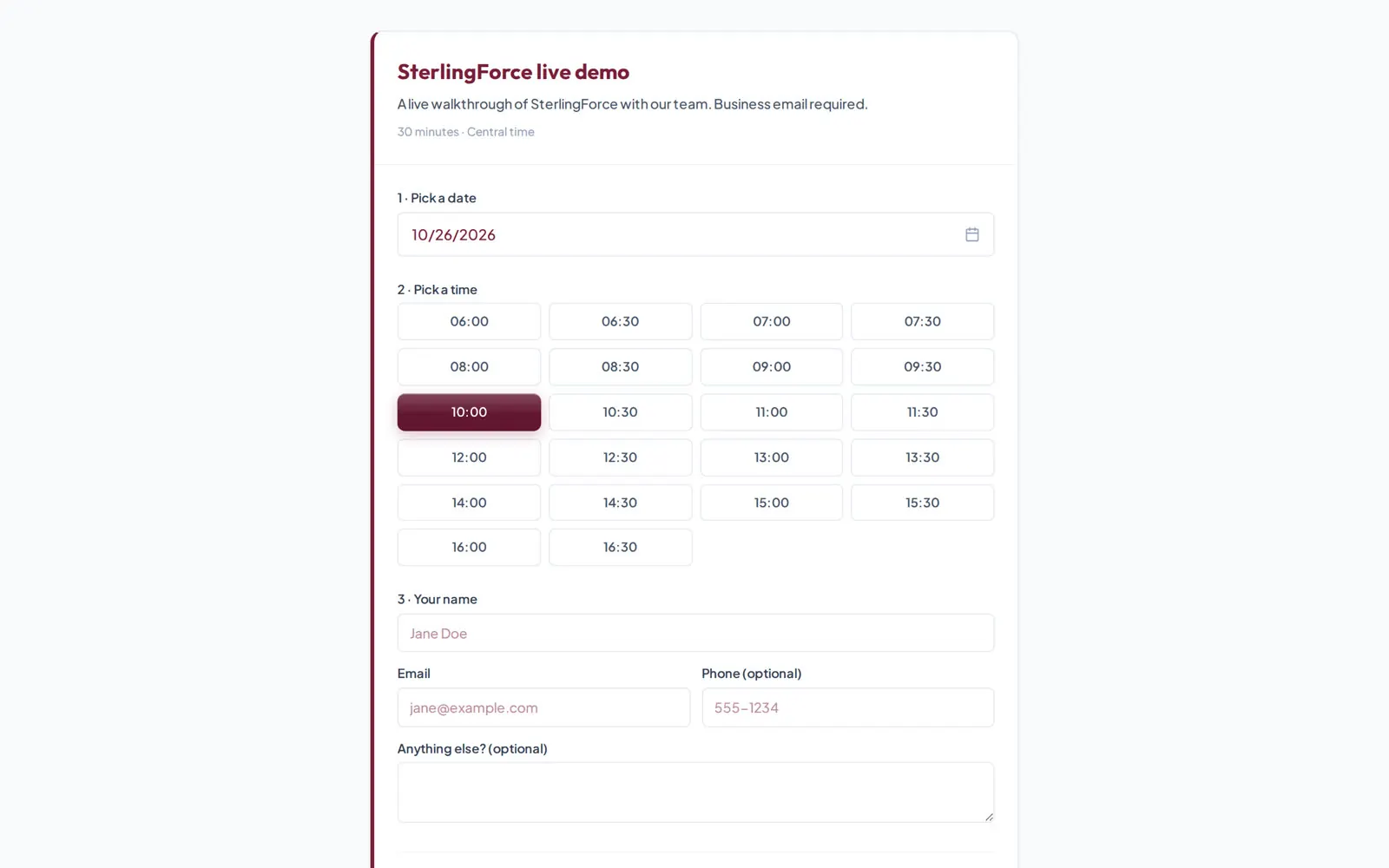
A built-in booking engine with partner booking links, slot types, reminders and no-show handling, plus Google, Outlook and ICS calendar sync to avoid double-booking.
A guided fact finder partners complete after each meeting, with full update history and the next appointment booked from the same form.
Completed sales with product, carrier, premium and commission split details, plus a document upload and processing queue.
A client presentation deck built from intake answers, including state pension, Social Security and fixed index annuity slides, exported to PDF.
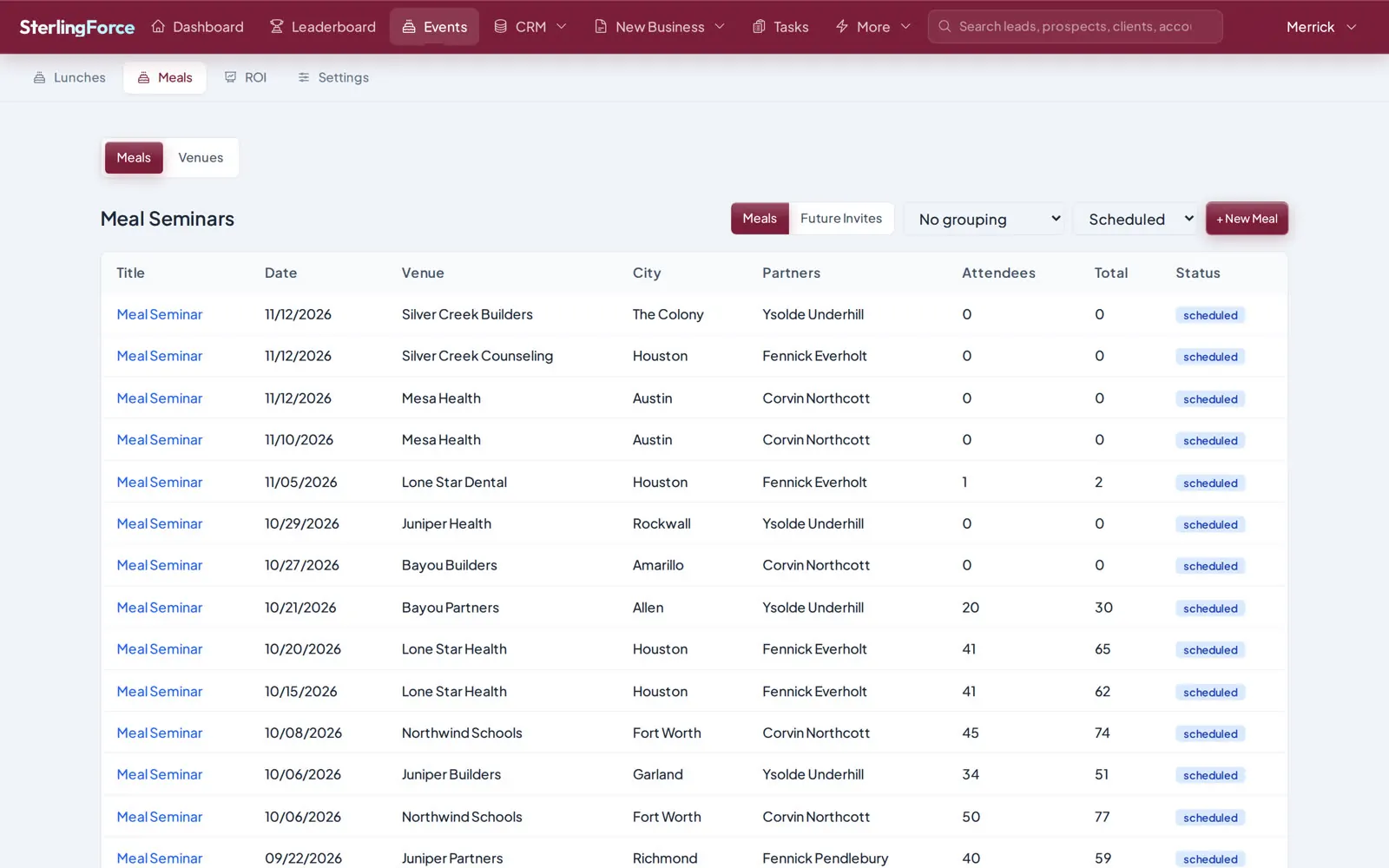
School calls, lunch and meal seminars with venues, rosters, attendee outcomes, check-in and ROI roll-ups.
Monthly and annual rankings for every product category, partner goals, and an embeddable leaderboard for the office screen.
A report builder with bar, line, pie and table views, saved filters, plus role dashboards for partners and managers.
Candidates, pipeline and outreach for growing your partner team, with job-board integrations.
Purpose-built import tools move your Salesforce data in, matched by Salesforce ID, then by email, with duplicates handled. Our team has already migrated more than 10 million records for customers.
During the move, an opportunity sync can push changes back to Salesforce so both systems stay aligned until you switch over.
Calendars, texting, email, Slack, Salesforce, AI and single sign-on, connected to the same records your team works in.
Appointments sync to Google and Outlook calendars or any ICS feed, with Zoom links and Calendly bookings attached.
Reminders, no-show follow-ups and seminar invites go out by text through Twilio or SimpleTexting, with Dialpad for calls.
Booking confirmations, intake summaries and campaigns send over your SMTP server, and IMAP mailboxes bring replies back in.
Bookings and updates post to your Slack channels or arrive as direct messages, so the team sees them as they happen.
Your Salesforce history comes in matched by Salesforce ID, and opportunities sync back while both systems run side by side.
Pull names, policies and figures out of PDFs and scans, with suggested import mappings and typo fixes.
Your team signs in with the identity provider you already run, through SAML single sign-on.
Import candidates from LinkedIn, Indeed and ZipRecruiter into Talent, ready to screen and move through your hiring stages.
Signed webhooks tell your other systems what changed, and scoped API keys let them read and write safely.
Can't find your answer? Our team is available Monday to Friday, 6 AM to 5 PM Central.
It ranks partners for every appointment by license, working state, language, skills, agent rating, location and workload. It pulls data out of PDFs and scans with AI, and it follows up automatically with rules, SMS and email reminders.
AI document processing works with OpenAI, Anthropic Claude or Google Gemini.
SAML single sign-on with Google Workspace, Okta or Azure AD, role-based permissions for each record type, a full audit trail with old and new values, soft delete with a recycle bin, and visible impersonation.
Yes. An opportunity sync pushes changes back to Salesforce, so both systems stay aligned until you switch over.
Book a live demo with our team, or explore the playground on your own right now.
