Role 1
Appointment desk
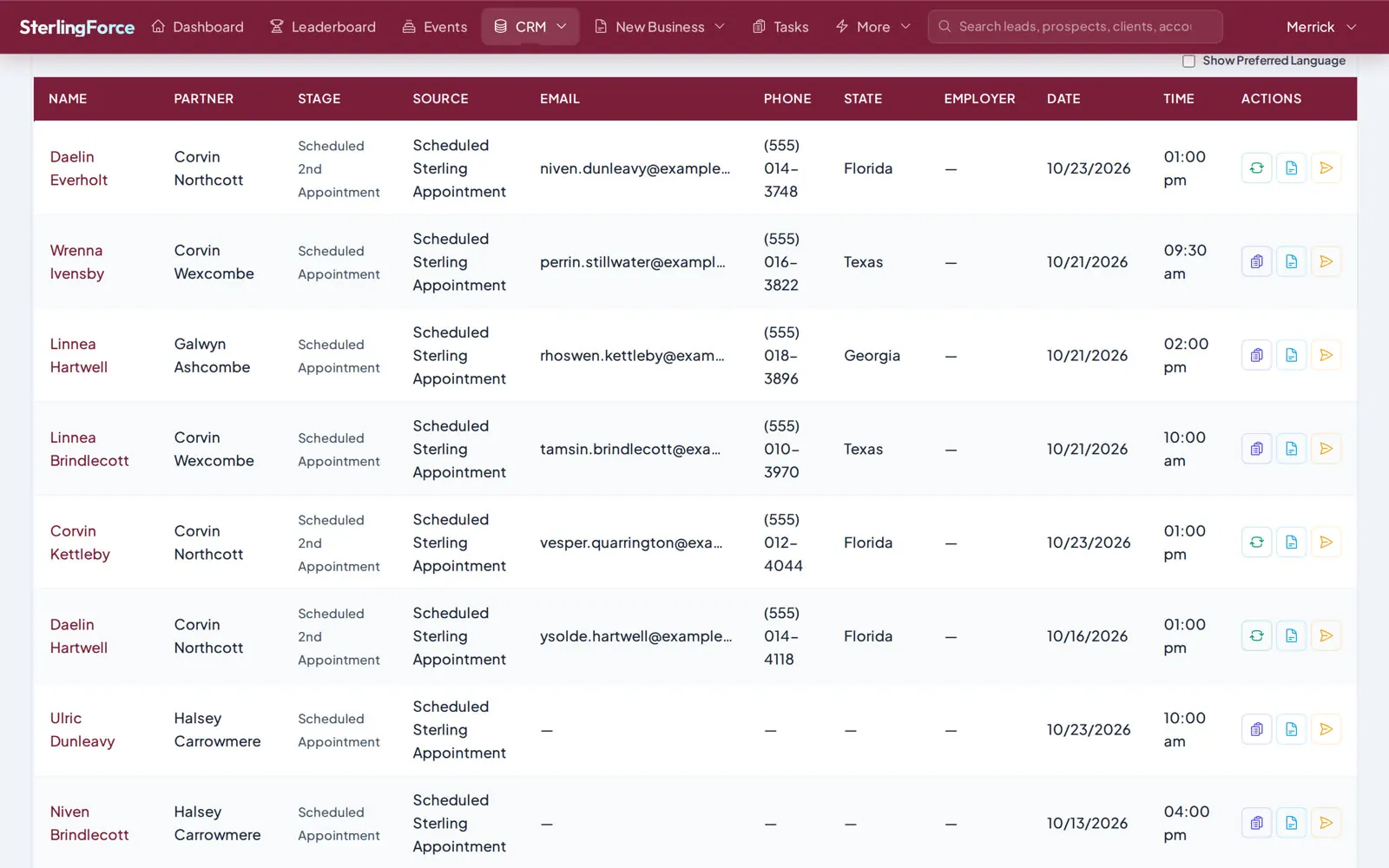
A marketing lead arrives, partners are ranked by license, availability and workload, and the best match is booked in one click.
Three short videos show SterlingForce through the eyes of the people who use it every day. When you're ready, open the playground or book a live demo with our team.
Log in to a live SterlingForce instance with a demo account. Look around the dashboards, appointments, opportunities and reports at your own pace.
The playground uses masked demonstration data. Identifying details such as employers, phone numbers and policy numbers are masked, and exports and file downloads are switched off.
demo.sterlingforce.orgdemo@sterlingforce.orgDemo-aen36A0Kg0Can't find your answer? Our team is available Monday to Friday, 6 AM to 5 PM Central.
A working copy of SterlingForce with masked demonstration data: leads, appointments, opportunities and dashboards you can explore on your own.
You can add leads and tasks. Settings and other records are read-only so the playground stays tidy for everyone.
Three roles, about a minute each: the appointment desk booking a marketing lead, a partner working the opportunity, and a managing partner leading the team.
A walkthrough of SterlingForce with your own workflow in mind, including how your Salesforce data would move over and run side by side until you switch.